
Take your first progress photo set
Capture front, left, and right views as one comparison-ready set.
- Choose Add Progress Photos from the + tab or after a change.
- Allow camera access and follow the guide for all three views.
- Review the Face and Teeth results.
- Save the set; unfinished work can remain as a draft.
App screen
Section titled “App screen”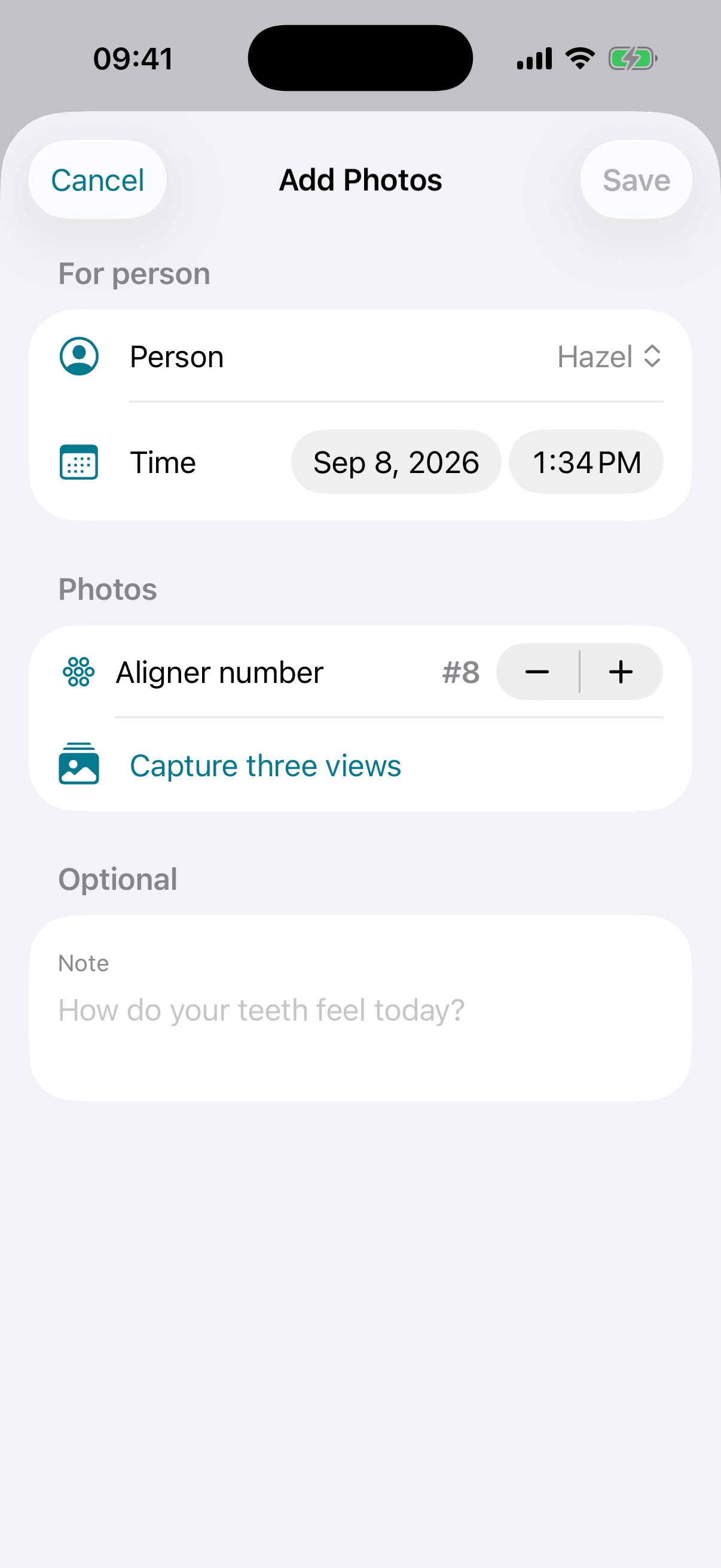
Shown in English on iPhone 17 Pro.